Deploy an App with Docker
 DUGLAS MORENO
👁 155
DUGLAS MORENO
👁 155
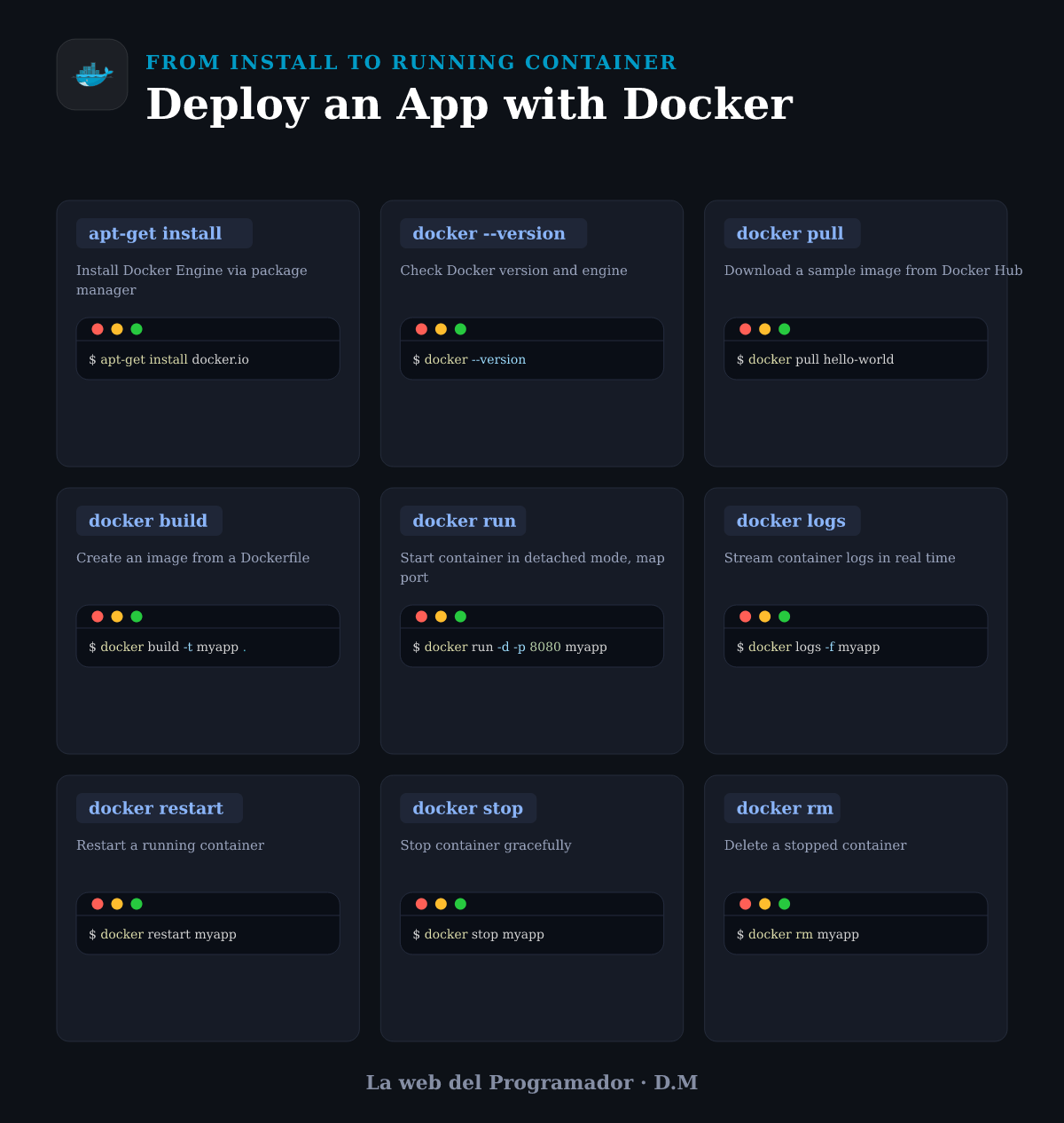 ⬇ Descargar infografía
Learn how to install Docker, build an image, and run a container end‑to‑end. This guide covers installation, pulling images, building from a Dockerfile, and managing the container lifecycle.
apt-get install
Install Docker Engine via package manager
$ apt-get install docker.iodocker --version
Check Docker version and engine
$ docker --versiondocker pull
Download a sample image from Docker Hub
$ docker pull hello-worlddocker build
Create an image from a Dockerfile
$ docker build -t myapp .docker run
Start container in detached mode, map port
$ docker run -d -p 8080 myappdocker logs
Stream container logs in real time
$ docker logs -f myappdocker restart
Restart a running container
$ docker restart myappdocker stop
Stop container gracefully
$ docker stop myappdocker rm
Delete a stopped container
$ docker rm myapp
Comentarios (0)
Sé el primero en comentar.